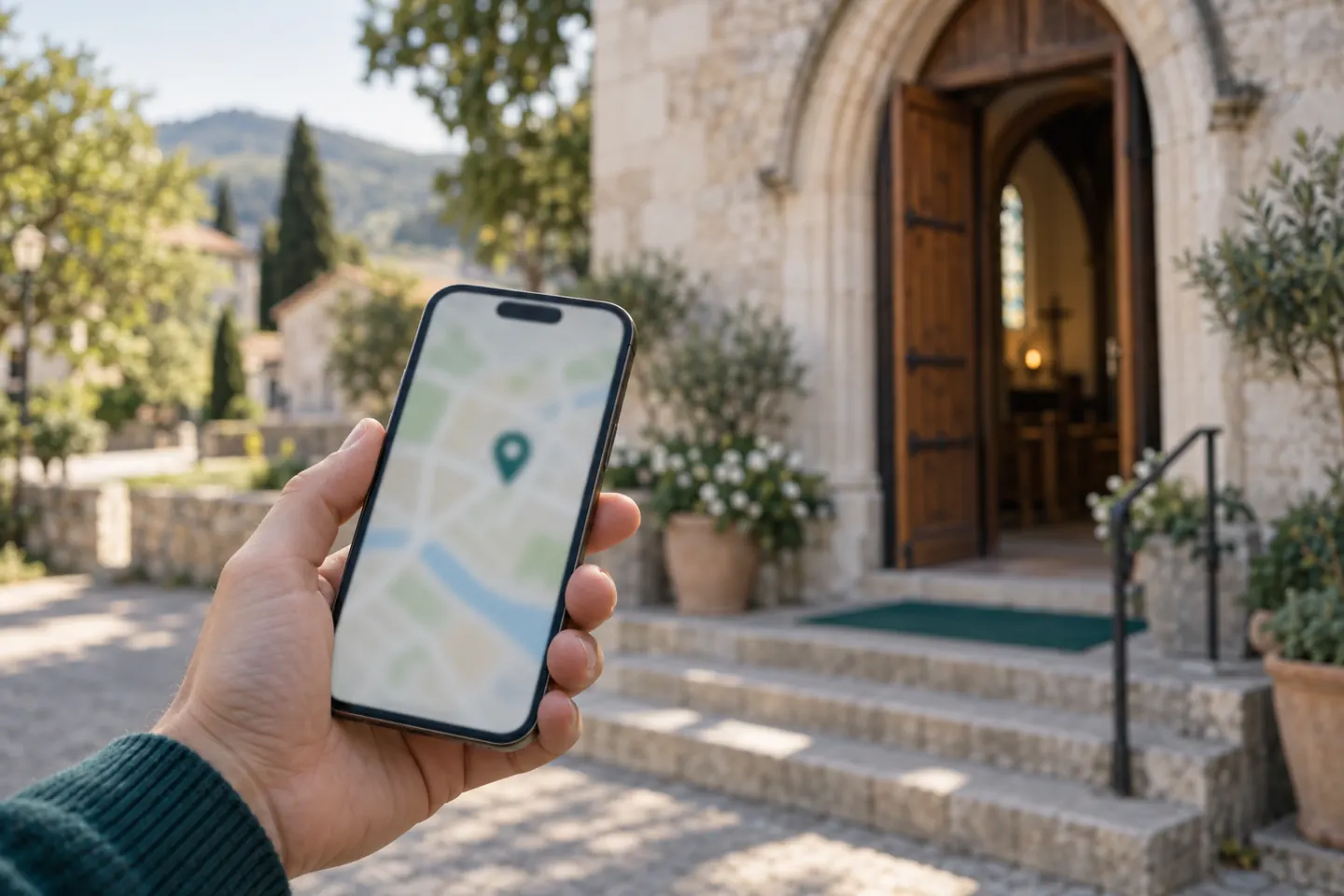
Picture someone who has just moved to Leeds. It's Saturday evening and they type "church near me" or "Baptist church Headingley" into their phone. They want three answers. When is the service? Where exactly is it? And will someone like me be welcome? If your website answers those in under a minute, they might be through your door on Sunday.
A small church website doesn't need to be impressive or large. It needs to be current and answer a newcomer's questions. Here is what belongs on it, what can wait, and how to keep it up to date without much effort.
The page a newcomer is looking for
Most visitors don't know you yet. They aren't reading your sermon archive or your annual report. They want practical answers. Put all of this on the home page, or one click away at most:
Service times. Day, time and place, right at the top. If it changes in summer or over Christmas, say so.
Address and map. The full address as text so people can copy it, plus a link to a map. If the entrance is round the back or the building is a school hall on Sundays, explain it.
Parking and access. Is there a car park? Which bus stops nearby? Are there steps, a ramp, an accessible toilet, a hearing loop?
What to expect on a first visit. How long is the service? Is there lots of singing? Communion? What do people wear? Is there tea and coffee after? Will anyone ask you for money? One short paragraph removes a lot of nerves.
Children. Is there a Sunday school or kids' group, for which ages, and where do children go? For many parents this decides whether they come.
Who we are. Two or three sentences in plain English. Which denomination or network are you part of? What do you believe? Words like "evangelical" or "reformed" mean little to many people, so explain them in a line.
Contact. An email address someone actually reads, and ideally a phone number. A name and a photo of a real person make it friendlier.
Upcoming events. The next services and events, with dates.
If you only have one afternoon, get these right and skip everything else.
What can wait
Plenty of church websites stall because they try to do too much. These are nice, but not urgent:
A full sermon archive
A detailed history of the church since 1890
A page for every small group and ministry
A blog or newsletter
A members-only area
Five current pages beat twenty that still advertise the harvest supper from three years ago.
The number one mistake: out-of-date dates
Nothing puts visitors off like a homepage that says "Next event: Easter Sunday" in November. People start to wonder whether the church still exists.
A few simple rules:
One named person is responsible. Not "the comms team", a name. With a stand-in for holidays.
Regular times, not one-off dates. "Every Sunday at 10.30am" never goes out of date. Single events do.
Keep dates in one place. If events live in the calendar, the notice sheet, Facebook and the website separately, one of them will always be wrong. Ideally the website pulls events straight from the church calendar.
A monthly look. Once a month, open the site on your phone and read it as if you were new.
Mobile first
Most people will find you on a phone. So check there first:
Can you see the service time without scrolling?
Can you tap the phone number to call?
Does the address open in a maps app?
Is the text big enough for older eyes?
Does it load quickly on a weak signal? Shrink photos before uploading them.
A PDF newsletter is fine as an extra, but the key information should be on the page itself.
Real photos, with consent
Real photos of your church say more than stock images. Visitors want to see the room and the people.
But a photo where someone can be identified is personal data. Ask first and keep a record of consent, especially for children, where you need a parent's permission. Easy alternatives: shots from behind, the empty hall, the coffee table, hands on instruments. Our GDPR checklist for churches goes into more detail.
Google Maps and your Business Profile
Many people never reach your website. They find you on Google Maps. Set up a free Google Business Profile and add:
Name, address, and service times as opening hours
A few photos of the building and the entrance
A link to your website
Check first whether someone created a listing years ago. You can claim it instead of making a duplicate. Keep the times there as current as on your site, or the two will contradict each other.
Simple SEO for your town
You don't need an agency. Think about what people type: "church in Bristol", "Methodist church Cardiff", "evangelical church Galway". Then:
Put your town and type of church in the page title, for example "Grace Community Church, Baptist church in Headingley, Leeds".
Write service times as text, not only inside an image or flyer. Search engines don't read pictures.
Show your area and address on every page, for example in the footer.
Use the same details everywhere: website, Google profile, Facebook, your denomination's church finder.
Privacy, cookies and charity details
This is general guidance, not legal advice. If in doubt, ask your denomination, diocese or a professional.
Privacy notice
Every website processes some personal data. Under UK GDPR you need a clear privacy notice, linked from every page, that also explains what happens to contact form messages.
Cookie consent
In the UK, cookies and similar technologies are covered by PECR. You don't need consent for cookies that are strictly necessary for what the visitor asked for. For non-essential cookies, such as advertising or many tracking tools, you need consent before they are set. The rules on some low-risk cookies like basic analytics were loosened recently, so check the ICO's current guidance if you use them. Ireland and the rest of the EU follow similar ePrivacy rules.
Be careful with embeds. An embedded Google Map or YouTube video loads content from other servers and may set third-party cookies. Simple fixes:
Link to Google Maps or OpenStreetMap instead of embedding the map.
Link to your YouTube channel instead of embedding videos.
A simple site with no tracking often needs no cookie banner at all.
Charity number
If your church is a registered charity in England and Wales with an income over £10,000, the Charities Act 2011 requires you to say that you are a registered charity on documents that ask for money, such as donation appeals. If your website asks for gifts, the simplest approach is to show your full name and charity number in the footer. Many churches are "excepted" charities and aren't registered; in that case there's no number to show. Scotland and Northern Ireland have their own regulators and rules, so check with OSCR or the Charity Commission for Northern Ireland.
The checklist
Service times at the top, as text
Address with map link, entrance explained
Parking, public transport and accessibility
A short "Your first visit" paragraph
Information about children's groups
"Who we are" in two or three plain sentences
Contact with a name and an email someone reads
Upcoming events current
One responsible person, plus a stand-in
Tested on a phone
Photos only with consent
Google Business Profile set up and current
Town and church type in the page title
Privacy notice linked from every page
Maps and videos linked, or consent before loading
Charity name and number in the footer, if registered
Every church on Churchtable gets a ready-made website: your church name, address and service times become a site with a map, events and contact details in minutes. Public events from your church calendar appear on it automatically, so the dates stay current. The free plan is free forever for up to 30 people, with no credit card, and your data is hosted in the EU.